
To locate and install the most recent driver and software updates for your Windows computer, use the Intel Driver & Support Assistant. The program, which was formerly known as the Intel Driver Update Utility, also helps you solve problems and shows important hardware information about your computer.
Whether they are installed as 32-bit or 64-bit versions, Windows 7, Windows 8, and Windows 10 and 11 are all supported by the Intel Driver and Support Assistant. An active internet connection and a web browser like Firefox, Chrome, or Edge are further prerequisites.
Once installed, the Assistant appears in the Windows taskbar’s notification area and opens in your usual browser when you click on the relevant program icon. After that, a quick system analysis is carried out, which can be done again at any moment.
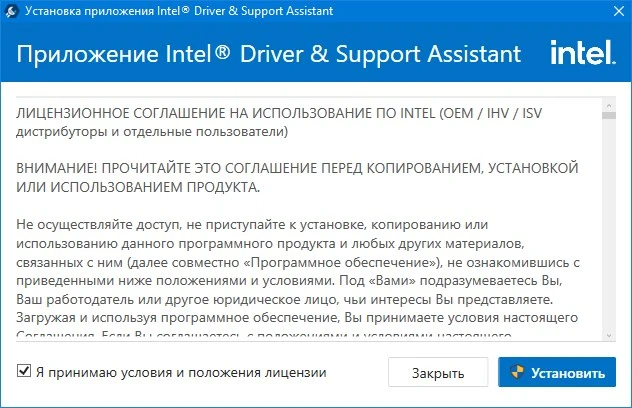
When the wizard is opened, it shows current system and driver installs, available updates, and comprehensive details about installed Intel software. Graphics chips, wireless networking technology, Intel NUCs, and Intel Compute Cards are among the items that are supported. As a result, you should download updates for additional products from the Intel Download Center.
If updates are discovered, they can be downloaded in the system-specific version. The current motherboard, BIOS version, and installed operating system are all described in detail in the “This PC” section.
Every system component is listed in the “Devices and Drivers” section along with comprehensive details about the related drivers. This data can be kept and delivered as a system report since it is helpful, for instance, in debugging computer problems.