
WinDirStat, a modest and helpful application, has been updated. It is free and supports Russian. It is necessary to understand where hard drive space is going. It clearly displays everything as statistics, indicating what can be erased without regret and what should be kept. The download link is, as always, included at the bottom of the article.
After launching, you’ll see a three-section interface. The regular Explorer view is at the top, with a color-coded and numerically sorted list of extensions on the right. However, the most interesting aspect is at the bottom: a graphical map of the entire drive.
Files are shown as colored squares and rectangles.
Everything is simple here:
- The square grows in proportion to the file’s size.
- It immediately becomes apparent if a folder or file is taking up too much space.
- The color depends on the file type (on the right in the list, you can see which color corresponds to each), and the shading shows the folder structure.
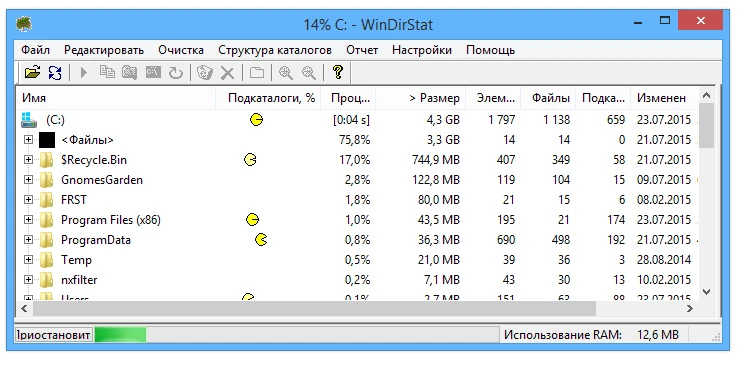
When the software scans the drive, it plays an animation similar to the old graphics—a cool feature, although you can turn it off in the settings if you get tired of it. There are many settings.
And you can customize the display to suit your needs. Ultimately, I’ll say the program helps you tidy up and quickly free up disk space. I’ve used it myself, and I like its simplicity. I hope it helps you find those heavy, forgotten files, too. Good luck with it.