The TransFlash TF Card Format Tool is a small tool that lets you quickly and safely format TransFlash or microSD cards. They’re commonly found in smartphones, dash cams, drones, cameras, game consoles, navigators, and players—in short, I believe you know where they’re employed.
This tool, similar to basic Windows formatting, lets you choose the appropriate file system for a given operation. This is especially handy if your device requires FAT32 but Windows won’t allow you to create such a partition on a card larger than 32 GB, showing an error message about the card being too large. Features:
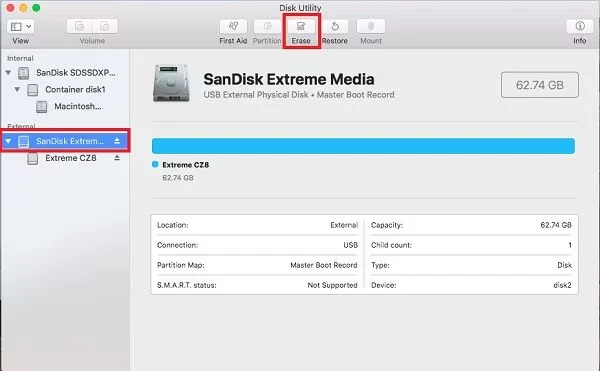
Formatting TF and TransFlash Cards
Optimized for FAT32 or exFAT. Compatible with SD, SDHC, SDXC, and SDUC cards.
- Preparing maps for 4K video,
- recorders, drones,
- and cellphones reduces errors and data corruption.
- Supports cards of various speed classes.
Protected Area
Some TF cards include a Protected Area, which is a service area for CPRM and DRM security features. TransFlash TF Card Format Tool does not remove it from the database; however, the user can clear the protected region independently if necessary.
Compatibility: The program supports cards from a variety of manufacturers, including SanDisk, Samsung, Kingston, Lexar, and others. This card can be used in an SD slot using an adapter. SD
Possible alternatives: Memory Card Formatter is an official program for formatting SD and microSD cards that is both simple and dependable.
Rufus is better suited to creating bootable flash drives, but it can also help prepare memory cards.