
Rename Master is a software that lets you rename files in batches. This software can handle a tangle of file names or several files that need to be harmonized. You can add characters before or after names, substitute them with others, and remove needless ones—basically, everything is there.
You can download Rename Master for free; it’s already free and doesn’t require a crack.
In addition to renaming, you may adjust file properties and read/modify MP3, JPEG, and EXIF tags. For those who require more than the basic capabilities, a built-in scripting language lets you extend the default functionality and write your own renaming routines.
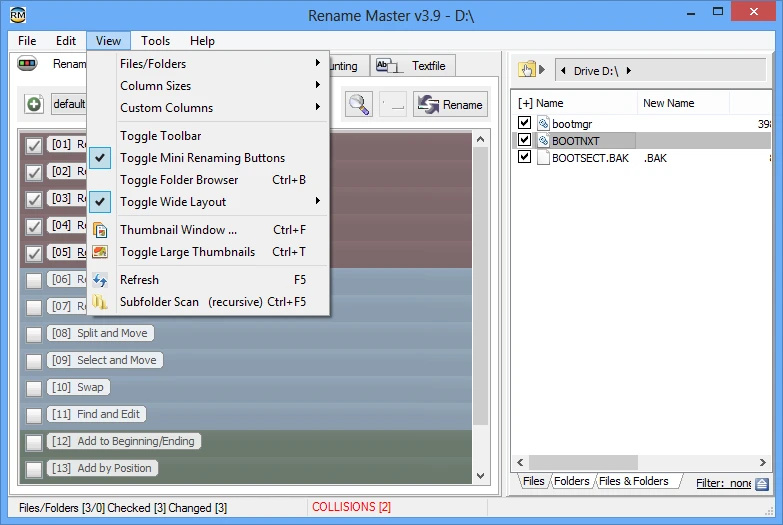
Features:
- Works with files and folders simultaneously.
- Full Unicode support.
- There is an auto-preview feature that lets you see the output before clicking Apply.
- Can scan the nested folders.
- supports wildcards and regular expressions.
- You can store renaming templates so that if you perform the same thing frequently, you don’t have to set it up every time.
- It has been integrated into the Windows context menu and the “Send to” menu.
- You can change the columns in the file list.
- Works from the command line; sophisticated users will like it.
The program is old, but it still works and performs its function without issue. Among similar tools, I propose Bulk Rename Utility—it has more functionality, but its UI resembles a spaceship control panel. There’s also Advanced Renamer, which is newer and has a more intuitive user interface.