
I’ve been eyeing this for a while, and I’ve finally decided to add PowerToys to our collection. This is a completely free set of utilities from Microsoft designed to enhance Windows 10 and 11, and it includes a slew of useful features. The FancyZones module generates its own window arrangement templates on the desktop, improves the usual split-screen feature, and allows you to arrange
As long as your eyes are not fatigued, you can view up to forty windows. The PowerToys Run feature expedites program launches: press Alt + Space, type a few letters, and the requested application starts. Searches are truly instant. Hold down the Windows key to see hotkey hints in the Shortcut Guide. PowerRename allows you to rename numerous files at once using search, replace, and regular expressions, ensuring folder structure.
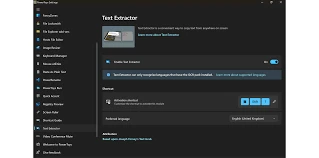
Keyboard Manager allows you to modify keys and permanently disable Caps Lock. There’s also Window Walker, an application that lets you quickly find and switch to the relevant window or process with a single click. After installation, PowerToys remains in the system tray, always accessible.
Features:
- FancyZones functions as a window manager and can generate window layouts.
- Image Resizer is included in Windows Explorer and allows you to rapidly resize images.
- Keyboard Manager allows you to tweak keys and build your own shortcuts.
- PowerRename enables advanced batch renaming.
- PowerToys Run lets you quickly search for and launch apps with hotkeys.
- When you hold down the Windows key, the Shortcut Guide appears, showing the keyboard shortcuts available on the desktop.