
The Mozilla Foundation, a non-profit organization, created the iconic and free browser Mozilla Firefox. It was first introduced in 2004 as a viable alternative to Internet Explorer. I understand that it sounds funny now. Its distinguishing feature is that it is one of the few major browsers not built on the Chromium engine, which I think is a good thing; it’s an ideal approach to preserving online diversity.
- The Gecko engine is a patented, independent design that is constantly evolving and supports all current web standards. The Quantum engine has substantially improved the program’s performance; all pages now load faster, and the interface is more responsive. A built-in PDF viewer is available, allowing you to work with PDFs directly in the window without extra applications. A reading mode is offered, which removes advertising and superfluous elements from the page to provide a more comfortable reading experience. The built-in translator into other languages, which does not require any other services, is also worth noting. You can also snap screenshots of webpages.
- Firefox provides stronger tracking protection by preventing trackers from following you across multiple websites. Third-party cookie blocking is also implemented. It also includes anti-identification capabilities based on individual browser characteristics. The developer offers security against websites that use your computer to mine cryptocurrency. Firefox Monitor is a built-in tool that scans your email for leaks. Of course, there’s a private mode that lets you browse without preserving your history, cookies, or other information. You can also separate websites from one another. Protection against unsafe sites can alert you to phishing and malware pages.
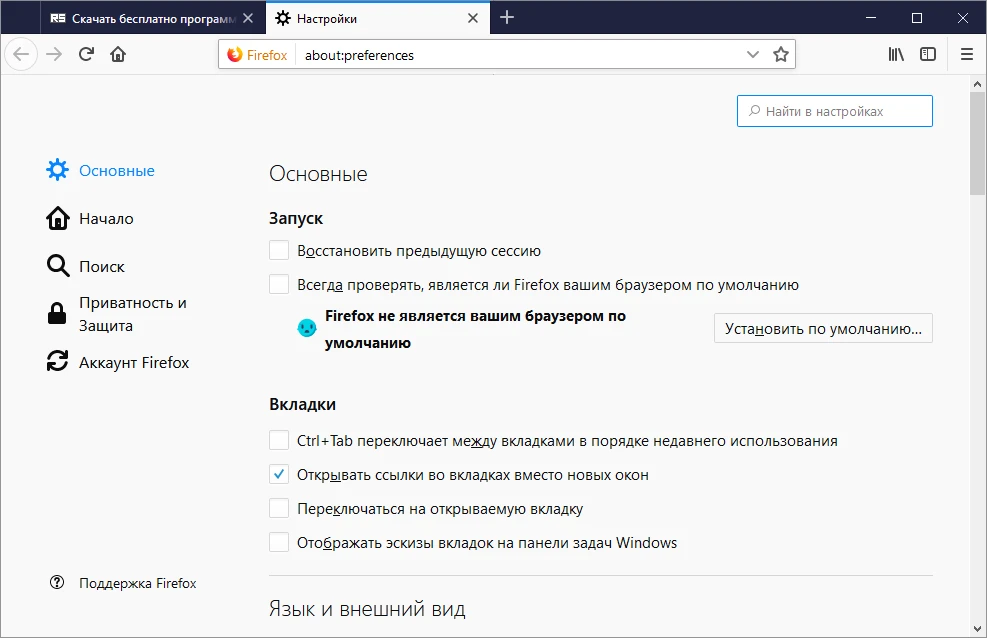
- Working with tabs is also convenient. They’re organized, there are pinned pages, and you may use little icons to pin key websites. Tabs can be restored as needed. I want to highlight dormant tabs: those that haven’t been active for a long time are cleared from memory to save resources, and they may be searched for.
- Regarding media, I also have a lot to share with you. Picture-in-Picture mode allows you to watch videos in a separate floating window above other apps. There is an autoplay blocker, HDR and 4K video compatibility, and Pocket, a built-in tool for saving articles to read later.
After weighing the pros and cons, I find the program beneficial and am a satisfied user, though I use it only as a backup. The browser has improved during the last few years. In some cases, the available tools and extensions outperform Chrome, which Google totally controls. Firefox is an excellent web browser with a variety of features and capabilities.
Here are the benefits.
- One of the fastest of all browsers.
- Page loads faster.
- There are substantially fewer ads.
- There are virtually no pop-up notifications.
- The entire interface is in Russian.
- Firefox provides more privacy, and unlike Chrome, you do not receive intrusive adverts based on your search history.
- The extension catalog, performance unrivaled by any other browser, and customization are unparalleled.
- Personal data is protected without any agreements by using a tracker and a digital fingerprint blocker.