Unauthorized individuals can’t obtain your important documents. EaseUS LockMyFile uses military-grade encryption to address this issue. It conceals and locks folders on internal hard disks, external USB drives, flash drives, and more. Keep all of your secrets hidden from inquisitive eyes. This program, available for free in our software collection, ensures that private documents, financial records, and business contracts are accessible only to you—no complicated steps required. There are no security holes—just strong, dependable file security for all of your drives.
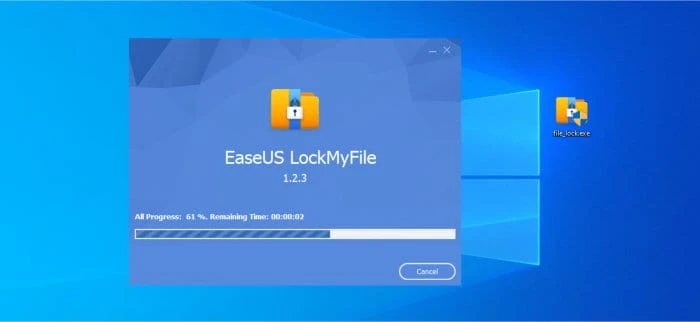
EaseUS LockMyFile’s features
Hide Drives, Files, and Folders
Even in Windows Safe Mode, EaseUS LockMyFile may conceal your private files and folders from both local and external (USB) drives. Search results never display all hidden files.
Lock drives, files, and folders
Any file or folder on a local or external (USB) drive should be password-protected. This way, any newly added files will also be password-protected. Use the client and master passwords to secure the USB folder.
Safeguard files, folders, and drives.
Protect your disks, folders, and important files with a password. Anyone can access write-protected files, but without a password, no one can edit, delete (even Shift+Delete), or rename them.
Monitoring Folders and Disks
Keep an eye on a disk, a folder, and its subfolders whenever a user does any activities or modifications.
LAN Shared Folder Lock
EaseUS LockMyFile lets you set passwords for network-shared folders to restrict access.
Portable and File Encryption
Use the AES encryption method to encrypt files and directories into GFL or EXE formats. On other computers, you can access EXE-encrypted files or directories.