Calibre is a program for those who work with e-books. It’s a converter, a reader, and an entire library all in one. You can download it from the link below; it’s free and open source.
After installation, you can upload your books to the program; it automatically adds them to a built-in library and fetches all the information—author, publication year, publisher, cover, and tags. If something isn’t found, the software will automatically connect to ISBN servers and retrieve the missing data, so you don’t have to type anything in.
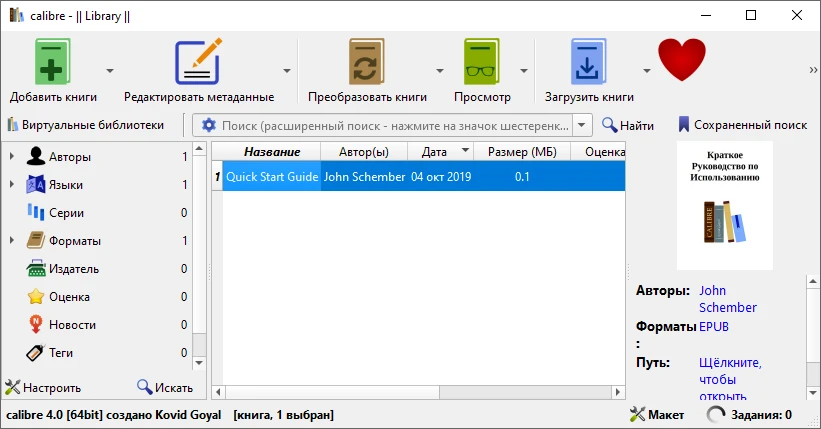
- There are no problems with any of the formats: PDF, EPUB, FB2, and others. Honestly, I can’t even name an e-book format it can’t handle.
- The main feature is this: let’s say you have a Kindle and need a specific format, or an Android smartphone with an e-reader that only understands EPUB. Select the desired output format, and that’s it; the original content is preserved.
- Calibre comes with a built-in e-reader, allowing you to open books directly in the program without third-party apps. If you’re used to using your e-reader, you can skip this step during installation; nothing will break.
- It syncs with devices: connect your e-reader or phone and transfer books directly. The interface is intuitive, and Russian is available. By the way, there’s a cool feature: you can read RSS feeds just like a book. It’s a small thing, but some people might find it useful.
The project is alive and well, and the community is constantly improving and updating it, so support for new formats and devices is added regularly. If you own a series of books scattered across folders and formats, the program will help you organise them.