
The free Ultracopier tool aims to replace Windows’ standard copy-and-paste functionality. It will appeal to individuals who enjoy copying large amounts of information from one location to another; nevertheless, the process needs to be automated and improved. Everything is now possible.
Please keep in mind that the software is faster than the OS database method for copying files. If the copy tool is installed, it runs in the system tray. It is always utilized when starting a regular copy operation, such as dragging and dropping data in Windows Explorer or copying/moving data with the Cut, Copy, or Paste commands.
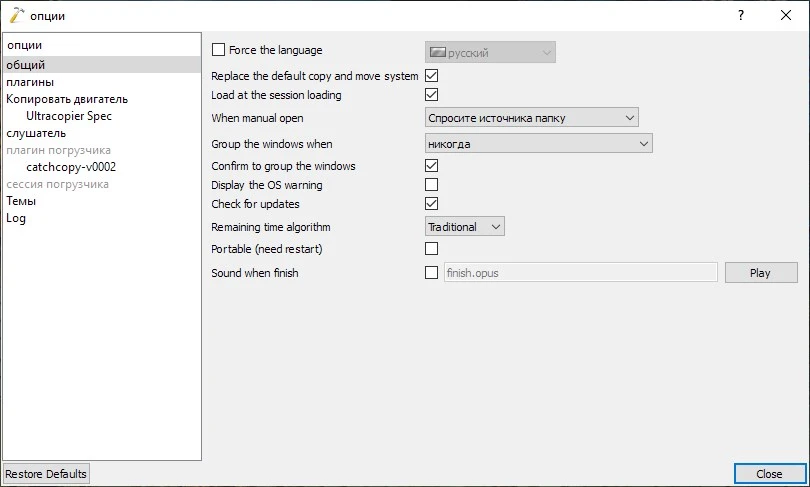
The ultracopier can also be used via the user interface. There, you can choose files and directories, set the destination, halt ongoing processes, cancel them and resume later, adjust the copy order, and export lists. The application compares originals and copies using checksums as an optional security feature.