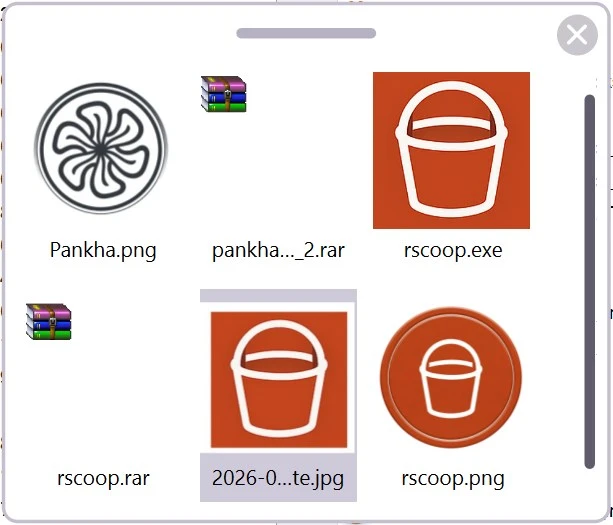
The portable Tokri utility has been updated. It functions as an enhanced clipboard or temporary trash bin, allowing you to dump everything you’re currently working on. It accepts links, text fragments, photos, and files; drag them into the application window, and they will remain there until you need them.
It’s far more convenient than switching between windows using copy/paste, which risks overwriting something vital on the clipboard. Everything is simple: drop an object; it shows as an icon; when you want to paste it, drag it back. The interface is straightforward, and the window may be repositioned or even reduced to the system tray to keep it out of the way.
Key Features:
- With the visual clipboard, you can always see anything you’ve concealed inside.
- Support for all types of data, including files, directories, text, links, photos, videos, and music.
- Minimum settings, works immediately after launch; I even claim there is nothing to configure at all.
- You can rename things in the Recycle Bin or view their location on your computer.
You may get Tokri for free at the bottom of this page. I appreciated how small the program is; it saves you time and effort when organizing data and does not require installation.