About MEmu
Download MEmu Android Emulator 2026 Thai Free Android emulator Play Rov, PUBG Mobile Latest Offline Installer Latest Version Direct link
What’s MEMU
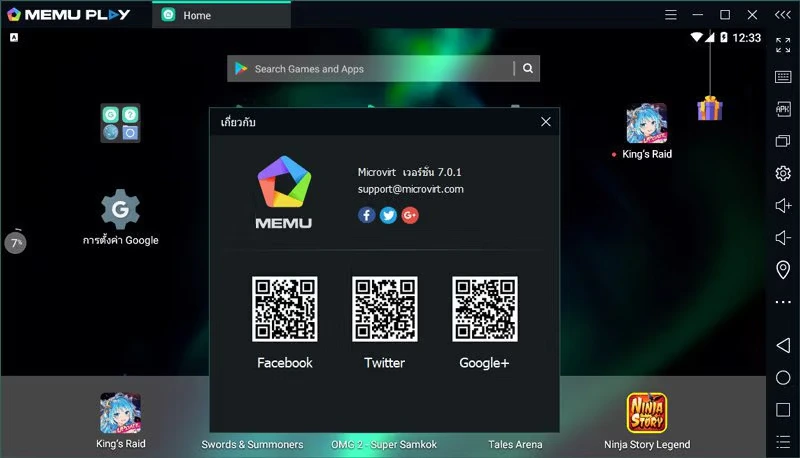
MEmu 9 is an Android emulator program for using apps or playing Android games on PCs in the market right now. There are a lot of them. Whether it’s a popular program like Bluestack or another quite popular one, such as Nox APP Player, MEmu is another Android emulator that works quickly and can freely customize the hardware settings. It supports touch screens well. It’s another Android emulator that is coming on strong. This is good for gamers. One of the biggest features is support for both AMD and Intel chipsets. Most work with AMD processors, but I’m glad that sees developers paying special attention to AMD’s platform. It also supports Android Jelly Bean, Kit Kat, and Lollipop
Main features:
- Full Android experience with a luxury desktop
- Flexible customization (CPU #, memory size, resolution, device model, navigation bar location, root mode, etc.)
- Mapping the keyboard/joystick to touch the screen for a better game experience
- Passes sensor data (such as accelerometer) to Android so you can play racing cars like a game
- Quick APK installation with drag and drop
- File sharing between Windows and Android
- Creating/cloning/deleting Android systems with one click, and you can run multiple Android instances
What’s new?
What’s optimized:
1.1.a Optimized APK export speed, automatically exports to the shared directory, and displays the export program.
What’s fixed:
1.1.a Fixed the issue of failed desktop shortcut creation when exporting the app
2.2.a Fixed the compatibility issues for “Ace Fishing”, “Midgard Heroes: Ragnarok Idle”, “Uncharted Waters Origin”, and “The World of Magic: IMO”.