
Brisk is a lightweight download manager. It is simple to use, because it downloads files from the internet faster and more consistently than a browser. If you routinely download files and are wary of using built-in downloaders, you should try this software.
Download Brisk for free; no activation is necessary.
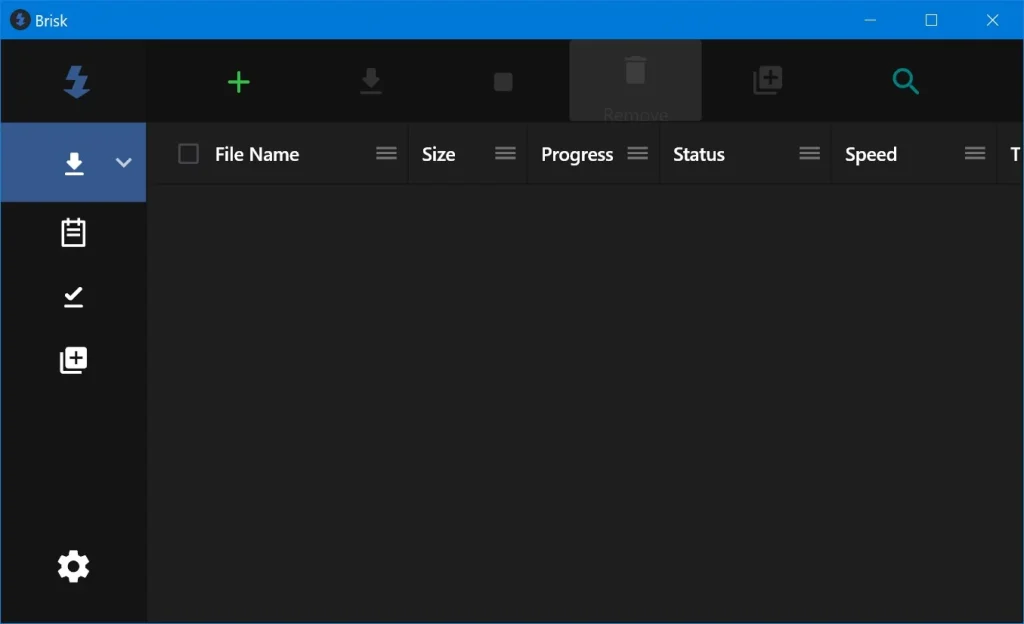
Features:
- When you launch it, you’ll see a basic UI; paste the link, and you’re ready to go.
- You can either manually paste it or click the clipboard button to select the last copied link.
- Only one link can be added at a time; there is no restriction on the number of simultaneous uploads.
- All of the fundamentals are in place, including the ability to pause, stop, and resume downloads. The main window displays the file size, progress, speed, remaining time, and the start and end dates.
The program is somewhat crude. The settings offer options to auto-start with the system and minimise to the tray, but they only work intermittently. The author pledges to improve it and add more features, such as a proper speed restriction and browser extensions.
Brisk is now appropriate for folks who require a plain downloader with no bells and whistles.
Among similar tools, I prefer Free Download Manager, which is free and far more functional. It can download torrents and already has browser extensions, although it is bulkier. You may also look into JDownloader 2, which is a strong program, particularly for file sharing, but its UI is not for everyone, and there are so many options that it can be confusing.