Avast antivirus does a good job, but you may need to entirely uninstall it from your computer. That’s when you understand you’re in for a big problem, because normal uninstallation frequently crashes, freezes, or leaves a trail of garbage. That’s when you’ll need specialized software like Avast Clear, a small but effective program designed to entirely remove antivirus software.
You can download Avast Clear for free from our website using the link provided below. The archive contains a ready-to-use portable version; no crack or activation key is required.
After opening the application, you will be prompted to reboot your computer into Windows Safe Mode. I advocate doing so because the OS only releases the antivirus’s deep drivers in Safe Mode, allowing you to clean them properly.
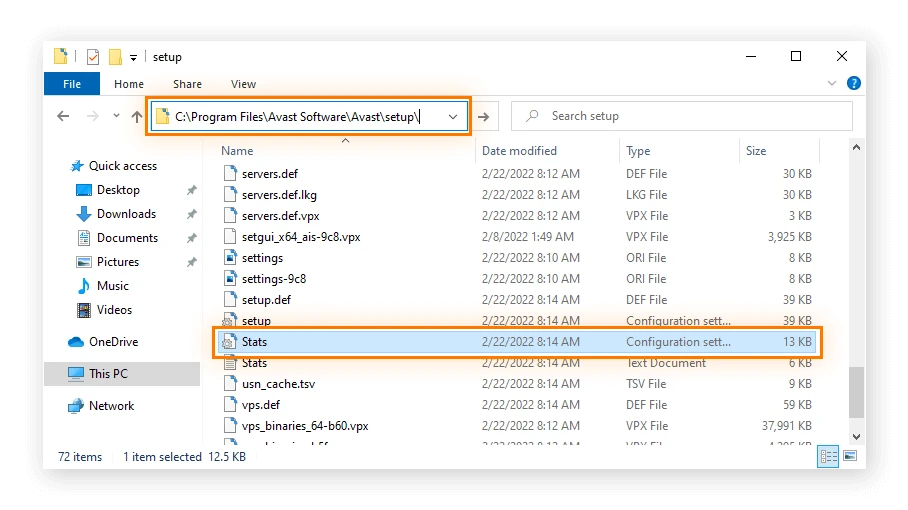
Let’s look at the interface.
- Choose the folder where the antivirus was installed.
- Choose your product version from the list.
- Click the delete button and wait for the procedure to finish.
If you simply uninstall Avast using the usual Windows 10 or 11 control panel, you will leave remnants of it in your registry and system directories. When you try to install another antivirus, such as Kaspersky or ESET, it will return an error and refuse to install, saying that Avast is still installed.
I’d like to point out that if you’re having problems uninstalling not only Avast but also other tough apps, I recommend using the versatile and effective Revo Uninstaller, a top-tier program for eliminating any software, even registry entries. GeekUninstaller is likewise inexpensive, requires no installation, and is an excellent cleaner.