
If you have gigabytes of papers on your computer and it is impossible to locate the correct passage in them using ordinary Windows tools, you will find AnyTXT Searcher to be a very cool and helpful program. The tool functions similarly to the popular search engine Everything, except that instead of searching by file names, it delves straight into their contents.
I recommend downloading AnyTXT Searcher for free from the link below if you want to forget about Windows’ slow search. Zheka offers both a porteshka and an installation version, both of which are excellent choices.
There are no superfluous buttons to hit thanks to the interface’s simplicity and intuitiveness. The search bar is at the top, with disk and file format filters to its right. The program will be slow the first time you start it, which is normal because it needs to scan the hard drives and construct a database index. Any inquiries made after that will be handled immediately. A useful table showing the file path, size, and modification date is included in the search results.
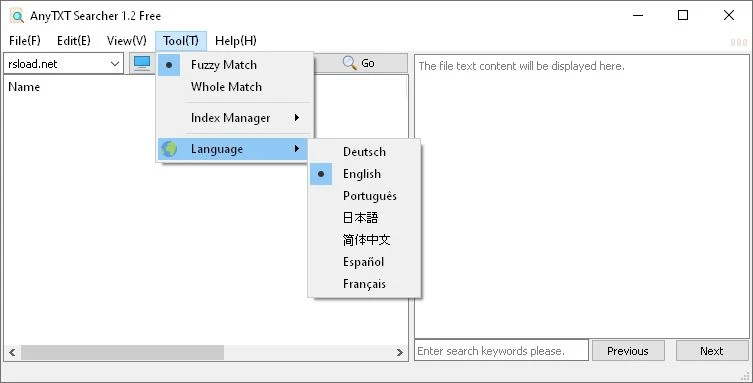
You don’t need to open the file itself; instead, a tip with your keyword highlighted will appear when you hover the mouse over the found file in the list of results. The software can now extract text from scanned PDFs and photos thanks to the addition of OCR capability in the latest editions.
List of formats that are supported:
- TXT and CPP source code are examples of standard texters.
- The whole suite of Microsoft Office
- Outlook and EML email formats
- e-books
- CHM Assistance Files
- PDF documents (work quickly; the feature is no longer in beta)
If you’re asking me to find analogs and I’m trying to do the same, I’d point you to Agent Ransack: It’s a great tool for text searches, but the interface has too many parameters for a novice. DocFetcher, a free program that requires Java to be installed on the computer, is an even simpler choice.