
WoodWorks is a program that optimises sheet material cutting. Anyone who works with wood, chipboard, or plywood will value it. The objective is straightforward: figure out how to fit all of the necessary bits on a sheet while minimising waste. If you work in furniture or construction, manual calculations are a pain.
You can get WoodWorks for free from our archive; activation requires a key.
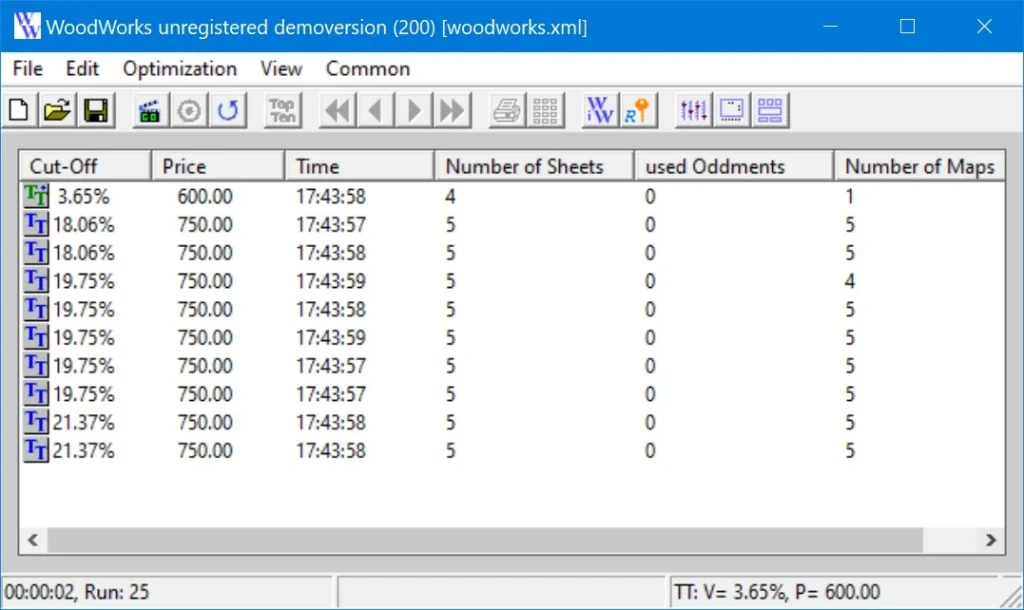
Features:
- To run the software, you must have the .NET Framework installed on your computer; otherwise, it will not start.
- The software can interact with tables in Office and LibreOffice.
- All cutting data is saved in a spreadsheet file that can be viewed in Excel or Calc and changed as required.
- If you don’t want to deal with external editors, you can enter everything directly in the software.
- Once all the data has been entered, execute optimisation, and the software will determine the most efficient arrangement of pieces on the sheet.
- The process can be paused and resumed at any time, and the program will continue searching for the best alternative until you say enough.
- In the settings, you can change the cutting width, allow or prohibit part rotation, adjust the first cut, and more.
- Finished cutting maps can be examined, printed, labelled for parts, and exported.
The program is popular with small furniture producers and individuals who create personalised furniture.
Cutting Optimisation Pro is a more advanced version that supports linear and rectangular cutting. It has more features but is also more difficult to understand.
I recommend it to anyone who deals with sheet materials and needs to calculate cutting outcomes.