
HFS (HTTP File Server) is a simple application for setting up your own file server. It turns your computer into a web server, allowing others to download files with a standard browser—connect and go.
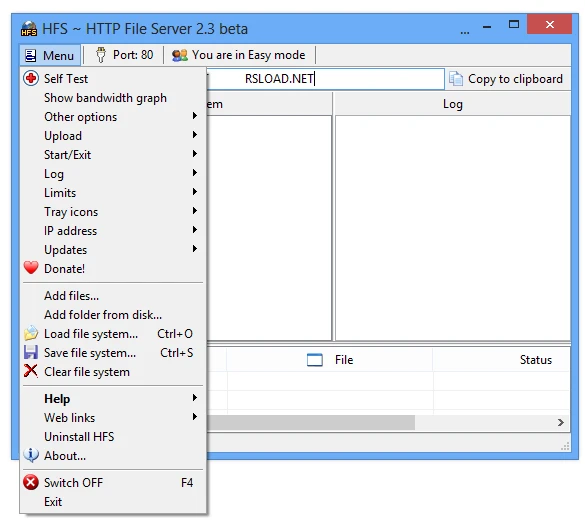
Features:
- File sharing works: run the software, add files, and you’re done. Other users click the link to download them in their browser.
- You can easily add files to the priority list by dragging and dropping them into the main window. You can add the item to the Windows context menu for easy access.
- In the settings, you can adjust server IP addresses, set file size limits, block users, enable a virtual file system, and configure the website layout.
- There are two interface modes: simple and complex.
- You will have complete control over everything and can adjust literally every screw.
Overall, this tool will appeal to anyone who needs to share files online without using third-party services or cloud storage. Input the address, log in with your browser, and download what you need. It is difficult to envision a simpler or more convenient solution.