AutoHotkey is a free program that automates nearly everything you can do on a computer. It allows you to remap keys on your keyboard, mouse, or joystick, make macros and hotkeys, and automate almost any Windows activity. If you require a complete chain of activities to be executed with a single button press, this application can do it—and does it well.
AutoHotkey can be downloaded for free from the link below. Because the program is open source, it is completely legal and available to use right now.
- It operates on scripts written in its own language. Don’t worry—in practice, it’s much easier than it seems.
- You create a text file with the.ahk extension, write your rules, execute it, and you’re done.
- For example, if you want pressing F1 to type a prepared email template, a few lines of script will suffice.
- To open a specific program, use Ctrl + Shift + Q. That is also simple to set up.
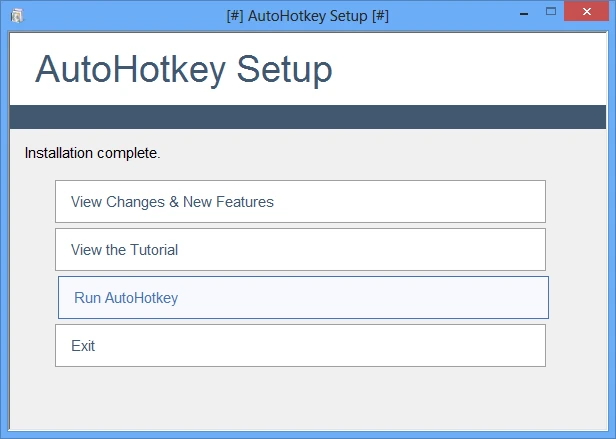
There is no setup wizard, but the internet is packed with resources and ready-made examples, so you’ll learn quickly. Reddit, in particular, has a wealth of remedies for nearly any problem.
I want to highlight capabilities like automated mouse clicks and key presses, macro recording and playback, and the ability to remap any button on any input device. Text replacement is also available: type a brief abbreviation, and it will grow into a whole phrase. For example, I configured it so that typing “mail” automatically completes my email address.
Scripts can generate their own windows with input forms, menus, and buttons, allowing you to construct your own little utility for a specific purpose. By the way, a finished script can be built into a standard.exe file and run on any machine, even if AutoHotkey is not installed.
Both gamers use AutoHotkey to create macros and office workers to automate monotonous activities.