BoostPing is software for online gamers that reduces ping and improves gameplay. There’s no need to explain what ping is, but in a nutshell, it’s the time it takes for your computer to interact with the game server. The lower it is, the better—especially in shooters and fast-paced games where every second is valuable. Anyone who has played Counter-Strike knows that with a ping of 100 or higher, there is virtually nothing you can do: you are killed before you even see the adversary. I don’t encourage one-taps from long range or hiding in tight corners, but it brings back childhood memories 😄.
You can get BoostPing for free below. The program is absolutely free.
What it can do:
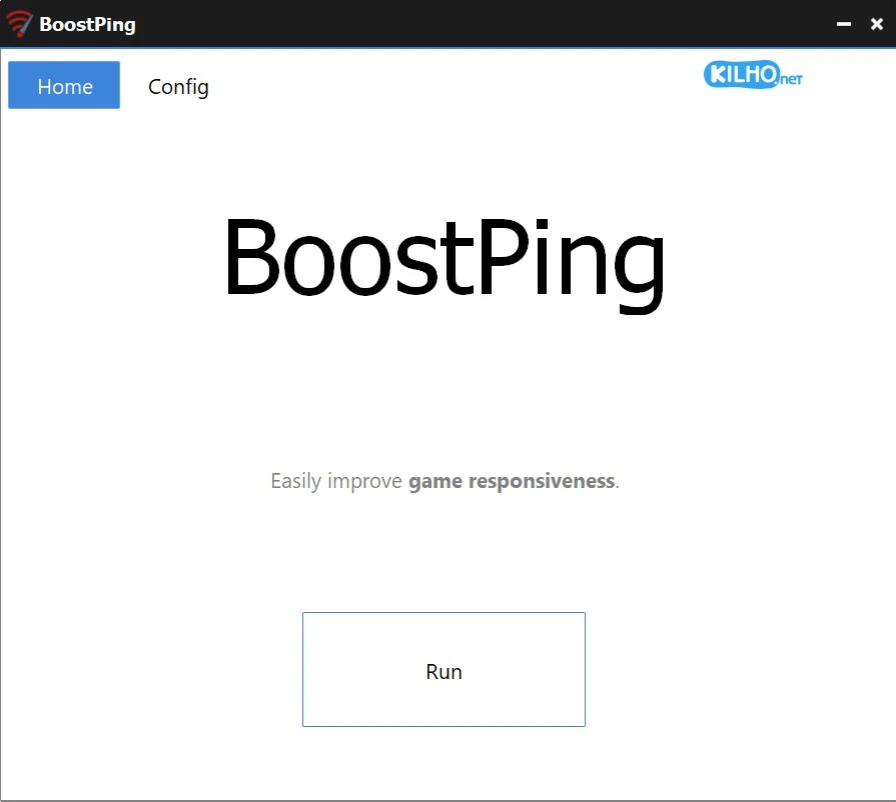
- Monitors your current connection and displays its stability and speed, allowing you to identify problems as soon as they arise.
- You can change connection settings while playing; the software optimizes the route to the server and decreases latency.
- The interface is simple and easy to use, especially if you are unfamiliar with network settings.
Remember, the application does not produce miracles. If your internet connection is very weak or your provider saves money on equipment, no software can significantly improve it. However, if your connection is generally good but your ping is erratic or greater than it should be, BoostPing can be helpful. It works by optimizing Windows network settings and prioritizing gaming traffic.
What you receive:
- Faster in-game responsiveness, notably during gunfights.
- More consistent connection and fewer freezes
- Real-time connection analysis.
- The settings are applied instantaneously (on the fly).
It’s useful for anyone who plays online games, like CS2, Valorant, Dota, Apex, and Fortnite—any game where reaction time is essential and low ping provides you an advantage.