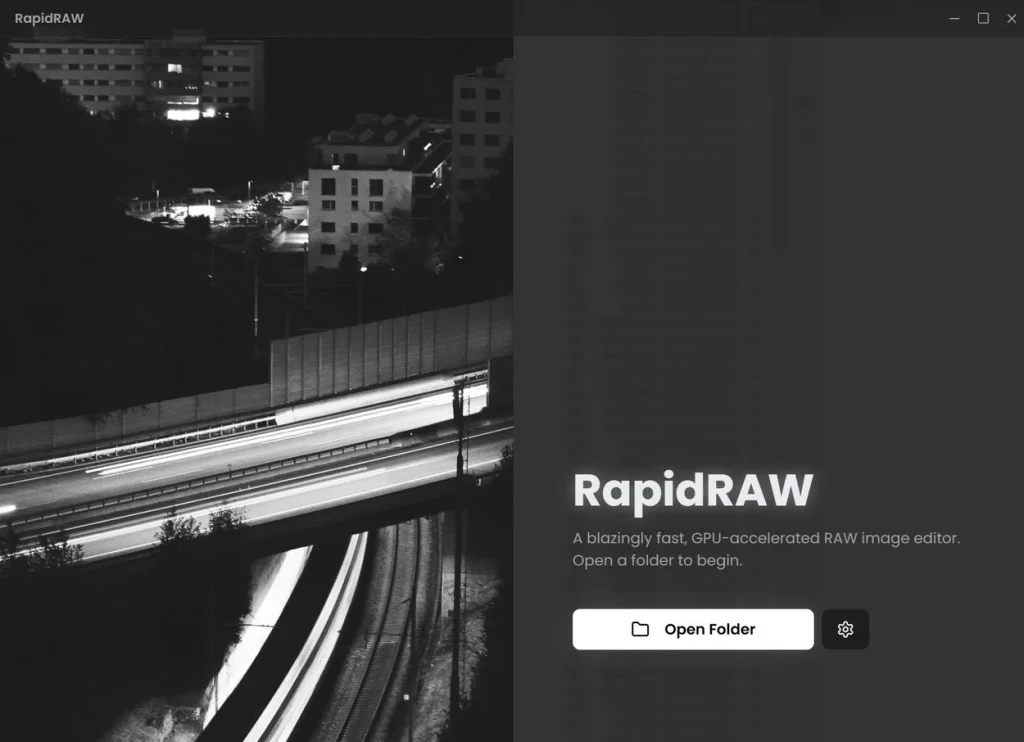
Every other smartphone shoots in RAW, yet Adobe Lightroom wants to take up your entire hard drive and processor. To circumvent this, there are alternatives, such as RapidRAW. It’s a quick software that works with Windows and other operating systems.
The editing engine is impressive because it relies solely on the GPU for speed. All visual modifications are made on the video card using a proprietary WGSL shader, and the reaction is instantaneous, with no lag. Masks are now available, owing to sophisticated AI that automatically extracts the topic or foreground—it’s really cool and helpful. They can be combined with traditional brushes, linear or radial masks to give you complete control.
There are also generative edits available, so you can easily add or remove elements from a photo. Type a text prompt, and a non-destructive patch layer is formed. The optional ComfyUI backend can be linked, further broadening the possibilities. Full support for RAW formats from multiple cameras, all at 32-bit precision, eliminates banding and data loss. Furthermore, the workflow is entirely non-destructive; all edits are saved in a separate file. rrdata file, keeping the originals intact.
Professional capabilities include tone adjustments for exposure, contrast, highlights, shadows, whites, and blacks. Tone curves provide you control over the Luma, red, green, and blue channels. Color adjustment is accessible, allowing you to change the temperature, hue, vibrance, and saturation. In addition, a full HSL mixer is built in, similar to an artist’s palette. Several effects are available, including cropping with aspect-ratio locking.
Easily manage all your photographs, sort, rate, and organize your collection. A built-in folder tree allows you to create new folders, rename existing ones, and eliminate unnecessary ones from the main window. You can move, copy, and duplicate photos, and edit them. The film-style interface lets you navigate photographs in a folder while editing swiftly.
You can use a set of adjustments or export them in batches. Viewing EXIF data provides a comprehensive picture with shutter speed, aperture, ISO, and lens information.
A preset system enables you to build, save, import, and export your preferred appearances. Each step has its own undo/redo history.
In summary, if you’re weary of using a heavyweight like Lightroom, I’d recommend looking into RapidRAW. It’s lightweight and powerful, with many features.