
Sometimes application names are self-explanatory, and VovSoft Text to MP3 Converter is one of those. Essentially, you can convert the text you’ve entered in a particular field into an audio file you can listen to, then save it as an MP3 at your desired quality.
The conversion uses the Microsoft SAPI algorithm, which supports multiple languages. As you can see, you can even select a Russian voice. Voices can be added to Windows settings in the Control Panel, so there should be no problems.
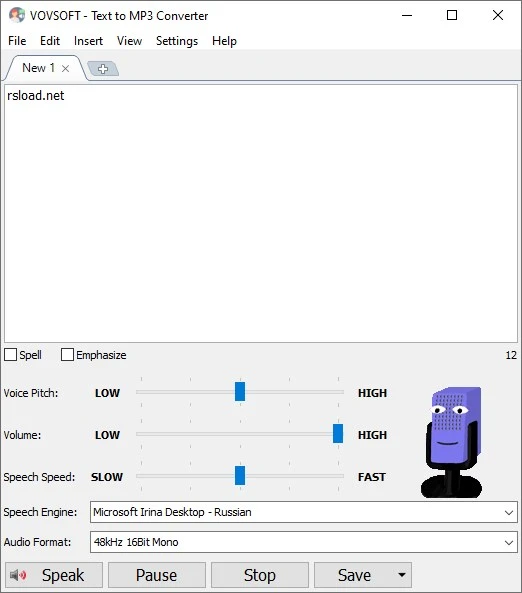
There are a few options: you can adjust the reading speed and pitch and highlight all punctuation marks to provide a more natural reading experience.
Features:
- It is possible to save text in MP3.
- It is possible to tailor the output file according to the quality plan.
- You can change the voice reading parameters.
- Russian Standard Female Voice
- Clear and user-friendly UI.