Download VirtualBox program 7.2.2.170484 for free Windows emulator Install Windows 11, Windows 10 1. x, MacOs, Linux Virtual computer Latest version
What’s VirtualBox
VirtualBox is a program that simulates a computer on our own computer. It can be used to study virtual computer simulations or virtual servers. It is also used to test operating systems and programs, and supports installing every operating system from Windows to Mac OSX and Linux. However, most of the time, this program is usually used only on Windows. It is commonly used on general PCs because it is a free program. Therefore, users choose this program as one of the top computer simulations.
Main features:
- It can be controlled both through the GUI and through the command line
- To extend the program’s functions, a special SDK was developed
- The parameters of the virtual machine are described in XML format and are independent of the actual computer on which the system is running, so it is easy to transfer from one PC to another
- When using the Windows or Linux operating system on a “guest” computer, you can use a special utility that makes it easier to switch between a real computer and a virtual computer
- To quickly exchange files between guests and PCs, you can create a “shared folder”. (shared folder) which is available from both machines simultaneously
- Allows you to connect USB devices to virtual machines. This allows virtual machines to work directly with those devices
- Fully supports RDP (Remote Desktop Protocol) remote access protocol, a virtual machine can act as an RDP server, allowing you to manage remotely
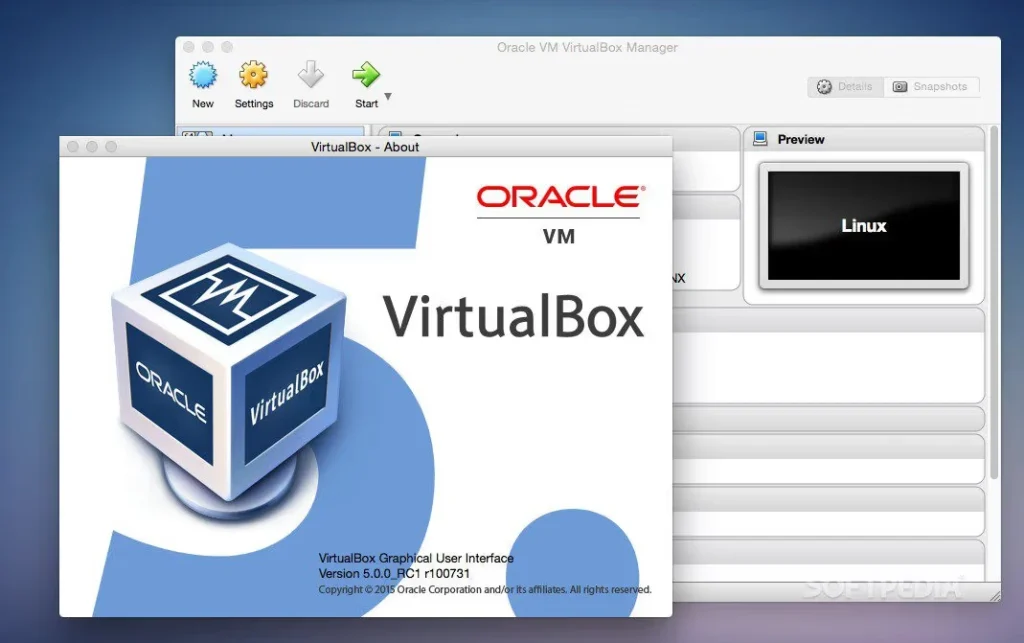
Extension Pack adds the following features:
- Virtual USB 2.0 Devices (EHCI); see section called “USB” Settings
- VirtualBox Remote Desktop Protocol (VRDP) supported; see section called “Remote display (VRDP supported)”
- Intel PXE boot ROM with E1000 network card support
- Experimental support for PCI passthrough on Linux hosts; see the section called “PCI passthrough”