
Symantec Ghost Boot CD is a powerful tool that lets Windows users back up and restore their entire system quickly and easily. This software allows you to save a copy of your entire disk, a specific partition, or just a few files. Even if your machine fails or is compromised, you can restore everything with a few clicks.
Free
One of the most useful features of Symantec Ghost is that it runs in the background while you continue using your computer, eliminating the need to stop what you’re doing during backups. Backups can be stored on your hard drive, a USB stick, or even a CD/DVD.
Do not worry if your system becomes unbootable! With a previously generated Norton Ghost Recovery Disk, you may effortlessly boot your computer and restore your data.
Symantec Ghost Boot CD is an essential tool for anyone serious about data security. Download it now from the developer’s website and protect your system!
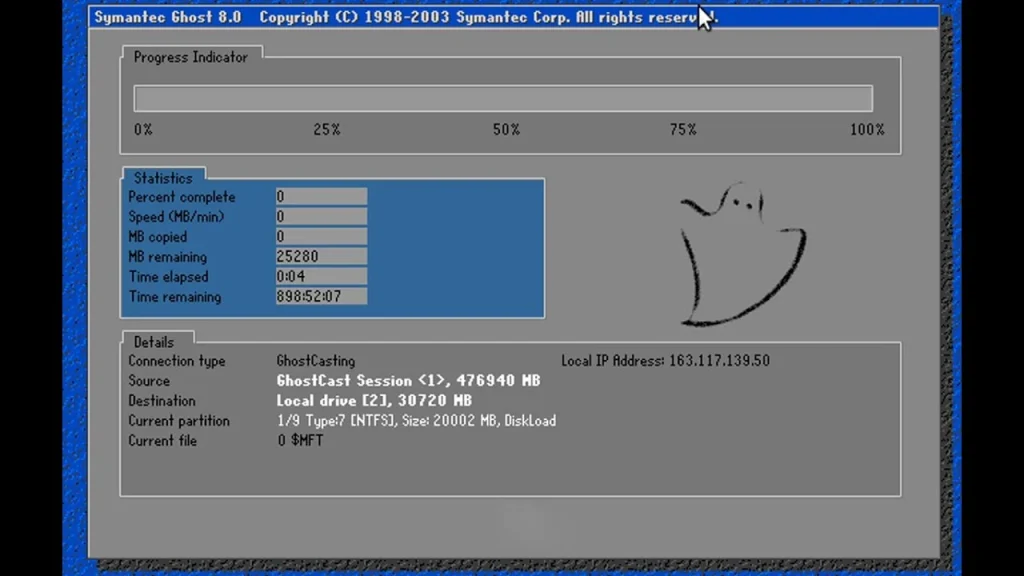
How do you create a bootable USB drive from the Symantec Ghost Boot CD ISO?
To make a bootable USB using Symantec Ghost BootCD ISO:
- Get the Symantec Ghost Boot CD ISO file.
- Download and install a USB bootable creator tool, such as
- Insert a USB drive (at least 4GB capacity) into your computer.
- Open Rufus and choose the USB device as the target.
- Choose “Disk or ISO image (Please select)” and then select the Ghost Boot CD ISO.
- Configure the partition scheme as MBR for BIOS or UEFI.
- Set the file system to FAT32.
- To build a bootable USB, click “Start”.
- Wait for the operation to finish before carefully ejecting the USB.
Your USB is now ready to boot with the Symantec Ghost Boot CD ISO.