This tool lets you take screenshots, save them to the clipboard, and then automatically submit them to over 25 photo hosting sites. This is useful if you want to post an image to many services. The ShareX download link is provided below.
The software may capture screenshots using a variety of methods, including squares, diamonds, custom shapes, and more. You may also make screenshots with shadows and transparency. ShareX has a user-friendly UI.
So we have a capable piece of software that has proven to be great in its sector, which explains its enormous popularity. If you want to do more than capture screenshots of your desktop, you should absolutely try this program. You can record active windows, regions, the whole scrolling area, and more.
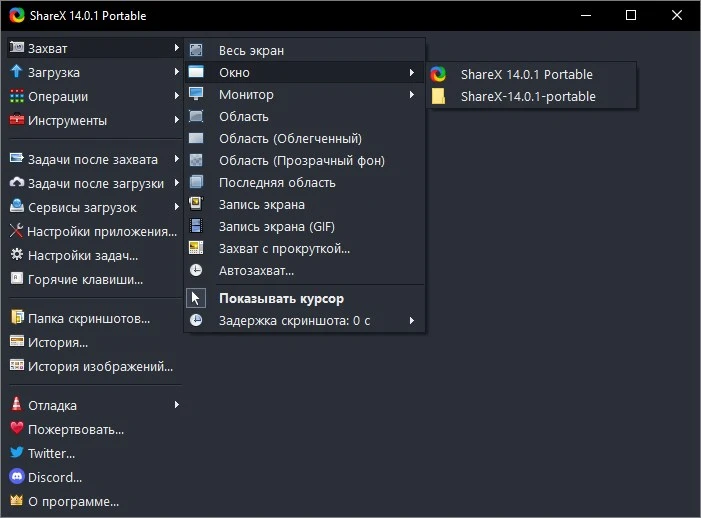
- Screencasts can be exported in MP4, AVI, WEBM, or animated GIF formats with this open-source application.
- The audio codec options are OGG, AAC, or MP3.
- The video function uses the “FFmpeg” codec tool, which is installed automatically upon request.
- ShareX is also really cool because it can interface with a variety of internet platforms, including X and YouTube, as well as cloud storage services such as Dropbox, Google Drive, and others. It also works with photo sites like Imgur, ImageShack, and Google Photos.
- Photos and videos can easily be uploaded to the desired website.
- Features include an image editor, photo effects, watermarks, a QR code generator, and an OCR interface.