
Certificate Manager is a tool for managing digital certificates in your system. You can view, import, and export them all in one spot, so you have all you need at your fingertips.
Many of you don’t think about application certificates until you get an error while installing applications. While the average individual does not require this, developers do. They need to verify that their software is properly signed. Certificate Manager is available for free download from the link provided below.
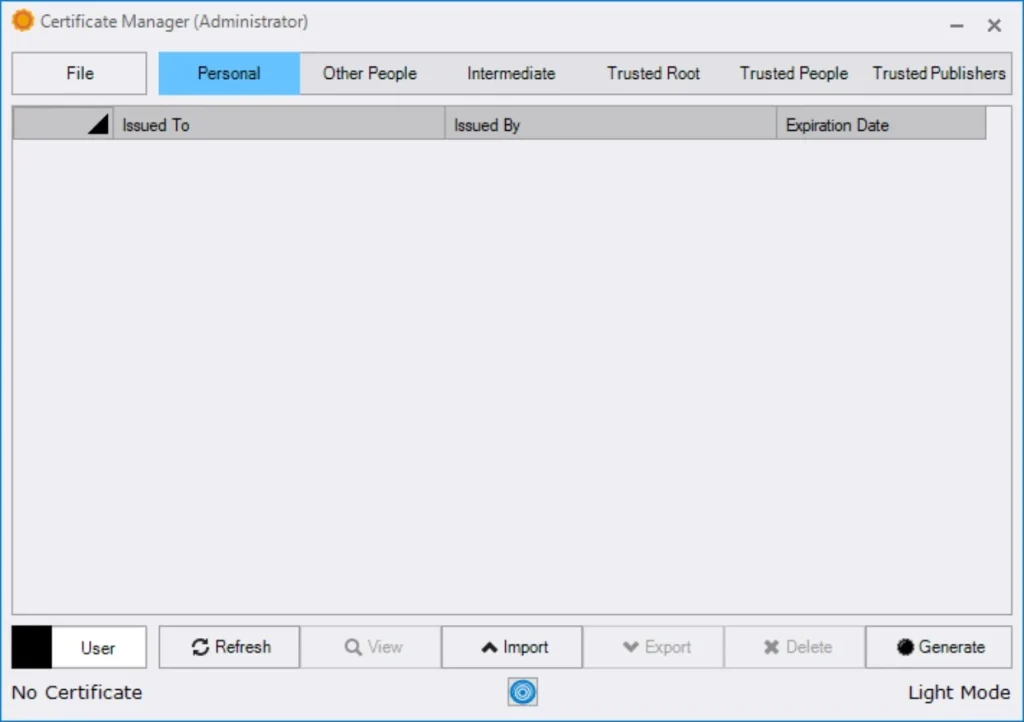
What this program can do:
- Shows all certificates on your system, including personal, intermediate, and trusted root.
- Double-click any card to acquire further information, such as who issued it, its expiration date, and other technical specifications.
- There is no need to go through each one separately; all dates and publishers are immediately accessible in the overall list.
- Imports and exports are also offered. You can move a certificate to another machine or add a new one with a few clicks.
How To Use:
When you launch it, you’ll immediately see personal certificates tied to user profiles. The interface is organised into two sections: intermediate certificates and trusted root certificates. Everything is well-organised, if not overly simple, which is a benefit in this case. It’s a convenient wrapper around the standard Windows Certificate Manager (certmgr.msc), albeit with a more streamlined UI.
Most people will not require this software. If you are a developer or administrator who frequently works with certificates, this theme is excellent and free.