
BarCode Studio is a quick, no-code barcode generator that produces high-quality bitmap and vector images for printing and digital applications. BarCode Studio for Windows is designed for efficiency, allowing users to edit barcodes immediately on-screen, select output formats, and use ready-made templates to satisfy industry requirements. The software prevents illegible codes with real-time quality previews. It supports importing data for serial numbers or batch creation, making it ideal for designers, administrators, and enterprises seeking reliable barcode generation without programming knowledge.
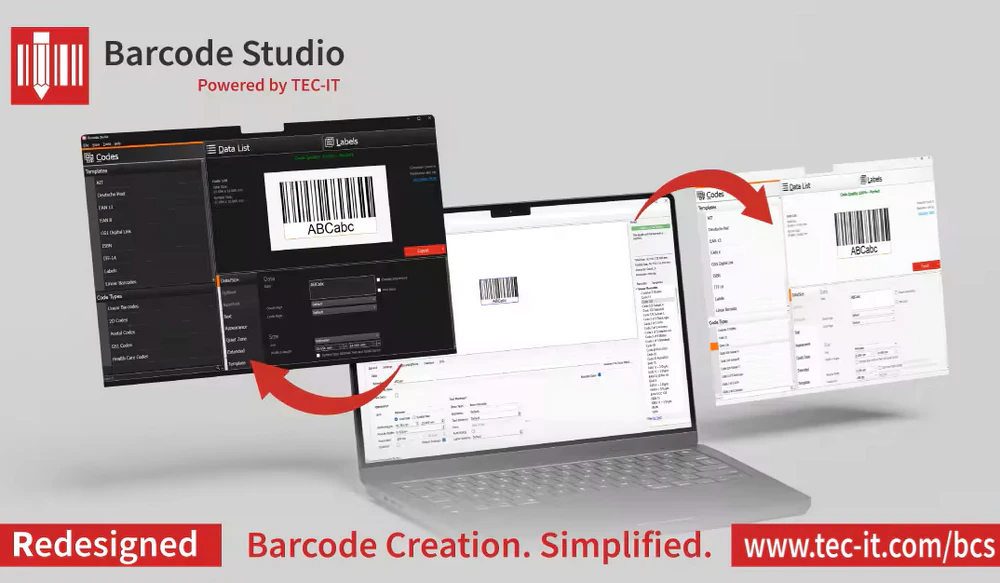
Key Features of Barcode Studio
- Bitmap or Vector Graphics: The barcode output accepts bitmap and vector formats (BMP, GIF, JPG, TIF, PNG, EPS, PDF, PostScript, SVG, AI) for high-resolution printing and professional editing.
- No Programming Required: You can edit and update barcodes directly on your screen with straightforward tools, enabling quick generation without programming experience.
- Guaranteed Barcode Quality: A built-in quality preview estimates expected barcode readability in real time, displaying printing tolerance relative to output DPI to prevent unreadable codes.
- Serial Numbers and Data Import: Generate serial numbers automatically or import TXT/CSV data files to create sequential barcodes and batch workflows.
- Command-Line and Batch Mode: Provides a comprehensive command-line interface for silent batch operations and easy connection with third-party applications such as Oracle Reports.
- Preconfigured Templates: Includes templates for EAN-13, EAN-8, UPC-A, UPC-E, and Deutsche Post Data Matrix Premiumadress, reducing setup time and ensuring compliance with specifications.
- Flexible Output and Workflow Integration: Generated barcode graphics can be copied to the clipboard or printed directly, then integrated into image editors, databases, forms, or documents for quick usage.
Why Choose BarCode Studio?
BarCode Studio delivers a dependable combination of ease of use and superior output quality, increasing productivity and reducing printing errors. Its real-time quality checks and preconfigured templates ensure that barcodes satisfy standards while avoiding costly reprints. Clipboard output, direct printing, and command-line batch mode are all integration options that help to streamline workflows in both design and database contexts. Overall, the program combines powerful performance, reliable stability, and a user-friendly interface to produce consistent, high-quality barcode assets for both small businesses and large manufacturing environments.