TransMac is a tool that lets you work with Mac-formatted disks under Windows. Windows does not recognize hard drives, flash drives, or picture files formatted using the Apple HFS or HFS+ file systems. This software solves the problem and allows full access.
The TransMac installation package, along with an activation key or crack, is available for download in the archive below.
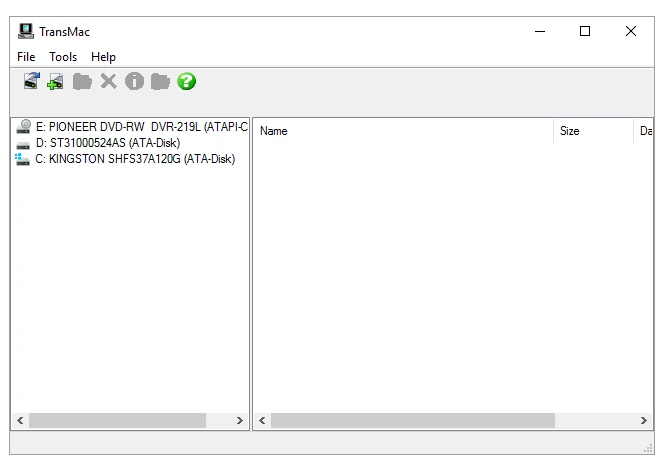
- It will automatically recognize all attached Mac drives, whether they are hard drives, flash drives, or optical media, after it has started. You may then use File Explorer to read, write, copy, rename, and delete files and folders just like you would with ordinary drives. It’s not complicated; the interface, albeit in English, is so easy that localization is unnecessary, and the options are limited.
- It supports DMG images, allowing you to view a Mac OS X disk image, see what’s inside, and extract the contents you need.
- You can write a DMG or ISO image to a flash device. This is commonly used to create bootable USB drives for macOS when installing a Hackintosh or reinstalling macOS on a Mac with a non-functional Recovery.
- The tool lets you format any disk in HFS+ so that a Mac can read it.
There is a file search feature on the Mac drive, and if the drive is discovered as read-only, you can change it to read-write mode. The program is modest, takes less than a minute to install, and does not overwhelm the machine. If you use both Windows and macOS, or if you need to extract data from a Mac drive without a Mac nearby, this software will come in handy.