
Zero Install is an excellent application installation mechanism that lets you run programs directly from the developer’s website without installing them. All you have to do is install the utility or run the portable version. Launch it, browse the accessible program catalog, and select the desired application; the download and unpacking process is entirely automated. All you need to do is launch the desired application.
Every time the program is launched, it caches software and checks for updated versions. The cache can be cleared when the application is no longer needed. Each downloaded program will be saved in its own folder, allowing you to run multiple versions simultaneously. This is useful for testing a specific version, say, on a particular operating system.
As far as I understand it, you can add your own programs by entering the program’s URL path and a few additional characteristics. Overall, this development is in front of you, and it will be beneficial.
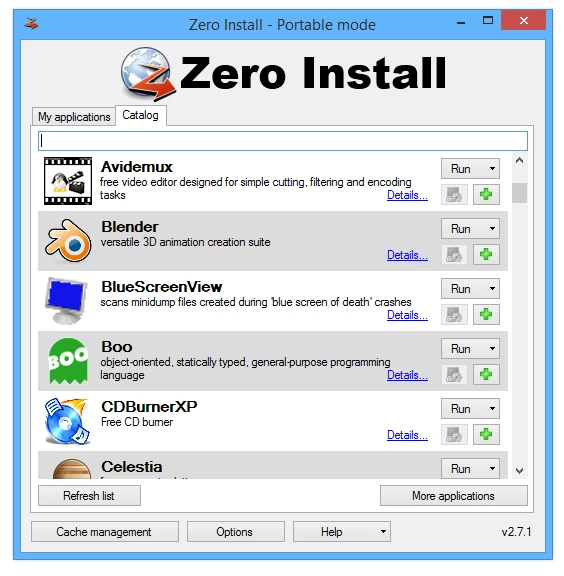
Features:
- Zero Install can extract CAB and Windows Installer packages, making it adaptable for working with a variety of file types.
- The application may examine 0store for integrity and automatically erase any violations or damaged settings it finds. The new ‘0store purge’ command removes all settings from the buffer, which is especially useful when uninstallation is problematic owing to access controls.
- The application now has a command center function named ‘0install’, which launches a graphical user interface similar to ZeroInstall.exe, making it more user-friendly.
- Several defects in the application have been fixed, including issues with extracting TAR archives containing long path names and other errors.